Stranger Things Season 5 is here… and I’m officially inspired.
If you’ve seen the excitement building around Season 5, you know the Stranger Things aesthetic is back in the spotlight — all the retro reds, eerie glows, and that iconic 80s nostalgia.
And honestly? I’m here for it.
The design lover in me couldn’t resist poking around to see what fun tools exist online — and I found some great ones you can play with too!
Whether you want to add a little Hawkins energy to your next post, create something themed for your brand, or just make your name look like it belongs in the UpsideDown, here are five fun Stranger-Things–style tools you can experiment with. No Photoshop needed (unless you want to go that route!).
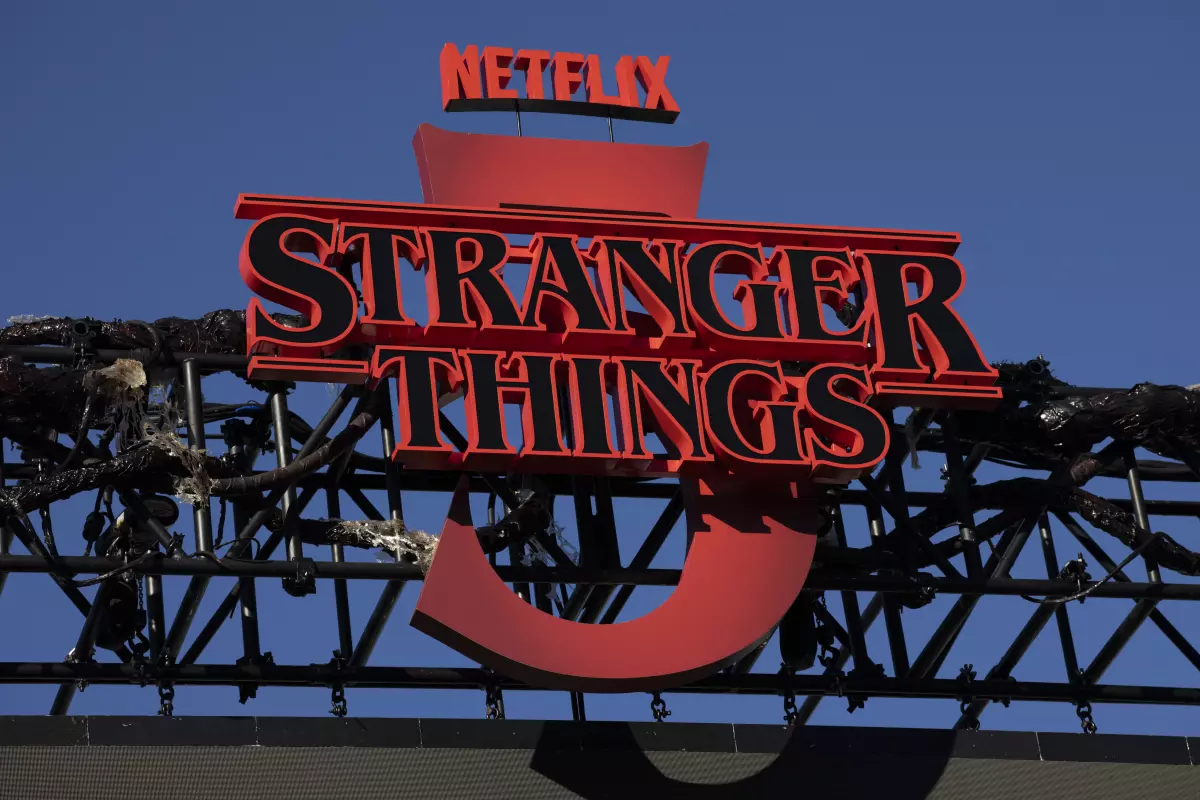
A sign above the main Fairfax stage is seen during the “Stranger Things 5 One Last Ride” down Melrose Avenue on Nov. 23 in Los Angeles. (Kayla Bartkowski / Los Angeles Times)
5 Stranger Things–Inspired Generators & Tools to Play With.
01
Pixel Frame — Stranger Things Logo Generator.
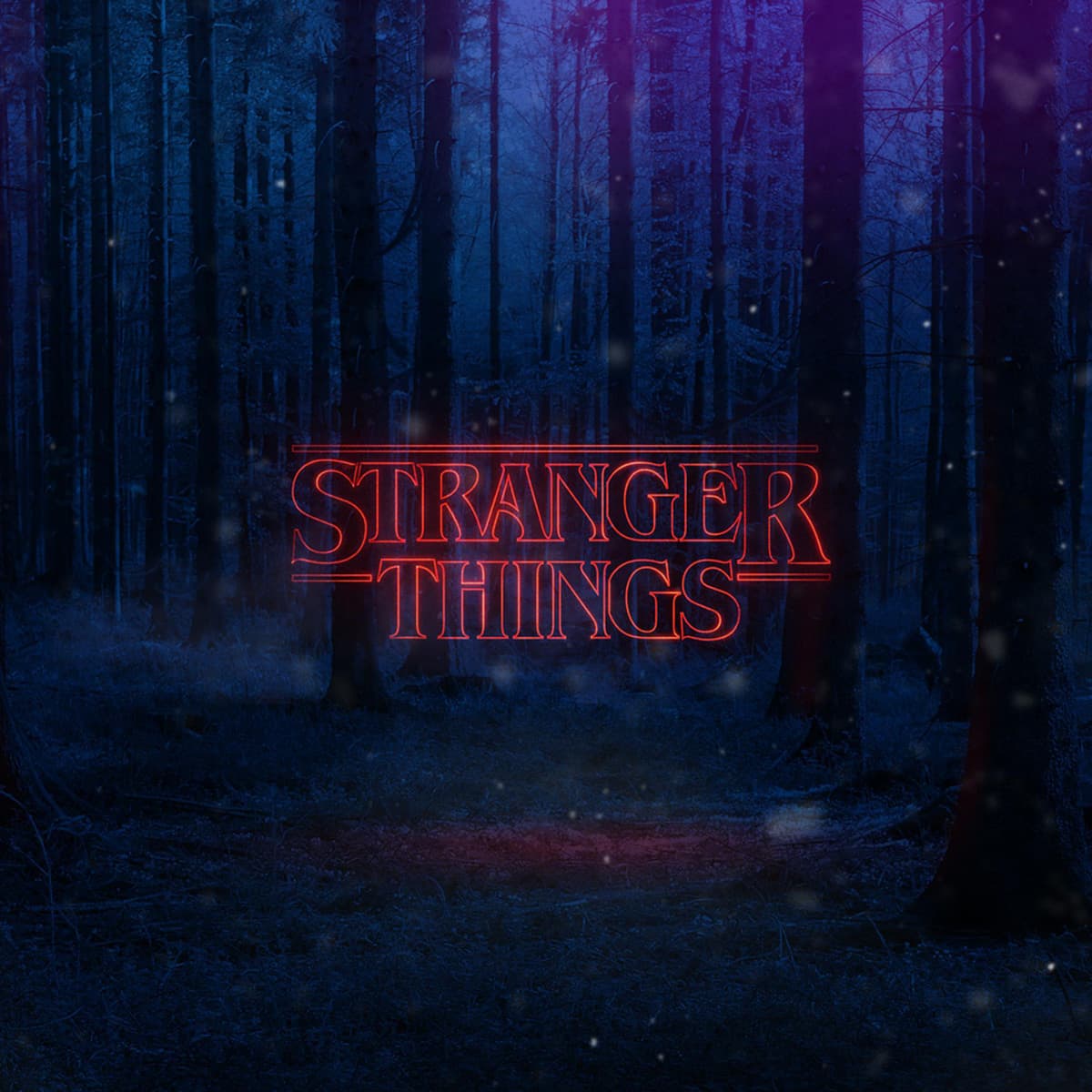
Pixel Frame has one of the most polished logo makers available, and they’ve updated it for Season 5. You can switch between the classic dark series background or the new poster-style backdrop, and even add oversized background text (up to three characters) for a bold layered look. It’s quick, atmospheric, and perfect for themed blog graphics.
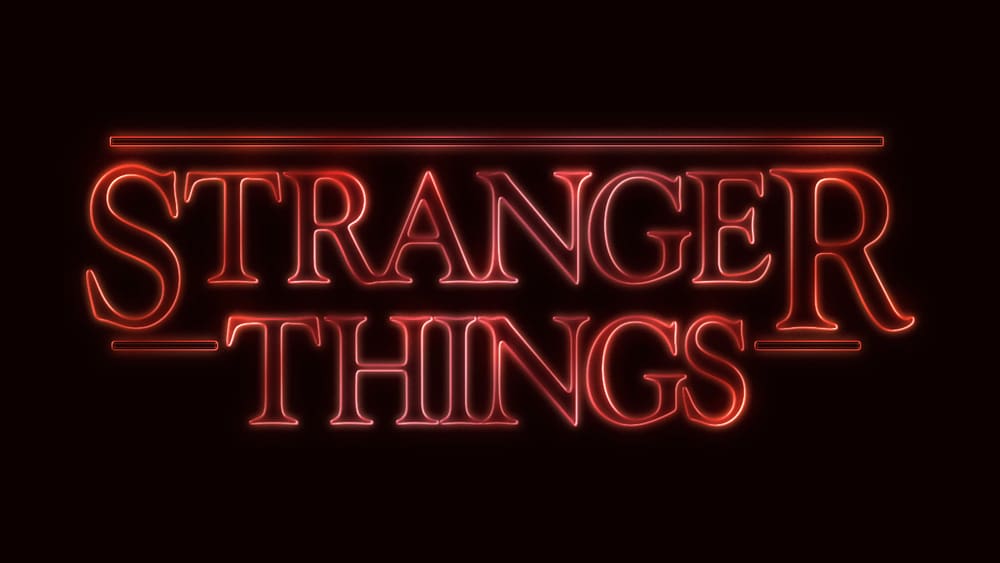
Font Meme makes it super easy to recreate the classic Stranger Things text style. Just enter your words, choose your formatting, and generate a clean red-glow graphic inspired by the show’s opening title. You can download the result or embed it directly on your site. It’s perfect for quick headers, playful social graphics, or adding a hint of Hawkins energy without needing design software.
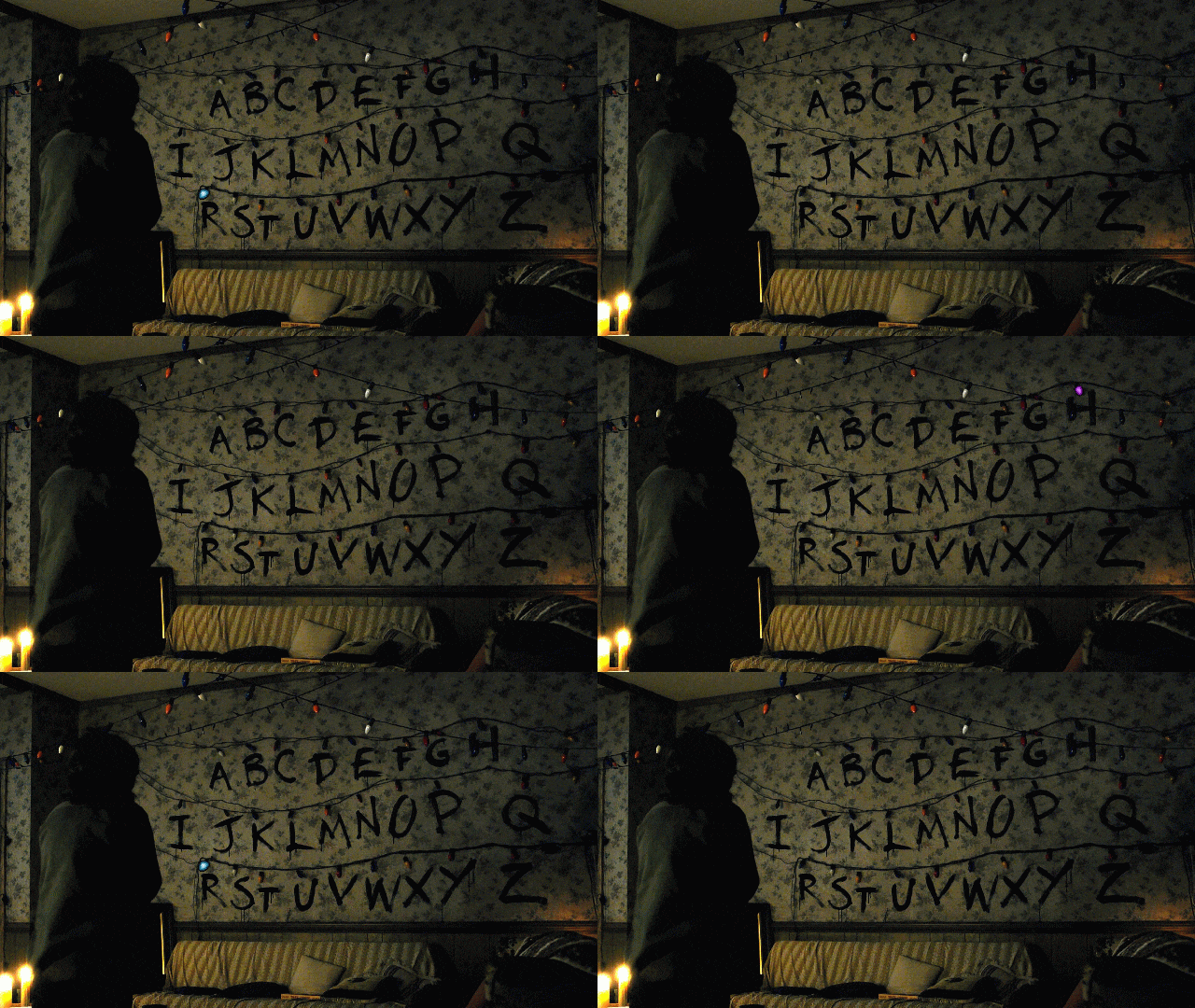
This one brings back the iconic alphabet wall from Season 1 — in full animated glory. Type your message and the lights “flash” in sequence to spell out your text. You can choose from two moody backgrounds, generate the animation as a GIF, and save or share it instantly. It’s perfect if you want something nostalgic, fun, and totally recognizable as Stranger Things.
Tuts+ Tutorial — Create a Stranger Things Type Text Effect in Photoshop.
If you want more control over the final look, this Photoshop tutorial walks you through creating a proper Stranger Things–inspired text effect — using only layer styles, glows, and a few simple adjustments. It’s great for designers who prefer building assets themselves rather than relying on generators, and the results look amazingly close to the real opening title.
This tool lets you generate your very own Stranger Things opening sequence. You enter custom text into a few fields, and the tool builds a full animated intro in the same style as the show’s credits. It’s fun, instantly recognizable, and perfect for embedding or exporting a mini “opening” for your blog or socials.
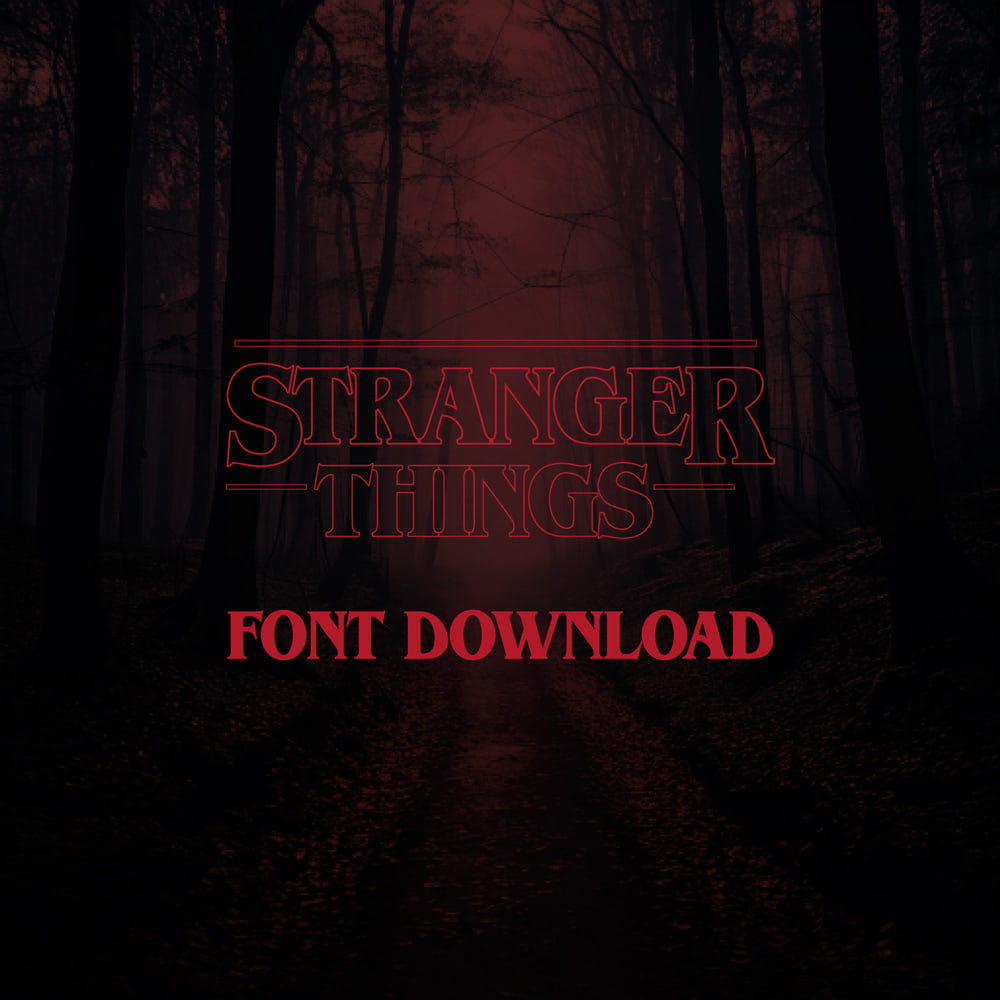
If you’re wondering why this style is so satisfying, it’s because the Stranger Things title is built on ITC Benguiat, a bold serif from 1977 that was used on tons of paperback horror covers. It’s dramatic, retro, and beautifully nostalgic — an 80s design dream.
Playing with trends like this is one of my favorite ways to reset creatively. It always brings me back to why I love design in the first place — the storytelling, the mood, the emotion behind every visual choice. Hope this inspires you to explore something bold, nostalgic, or unexpected in your next project and reconnect with your own creative process in a fresh new light.