


Sometimes
a project deserves
a second life.
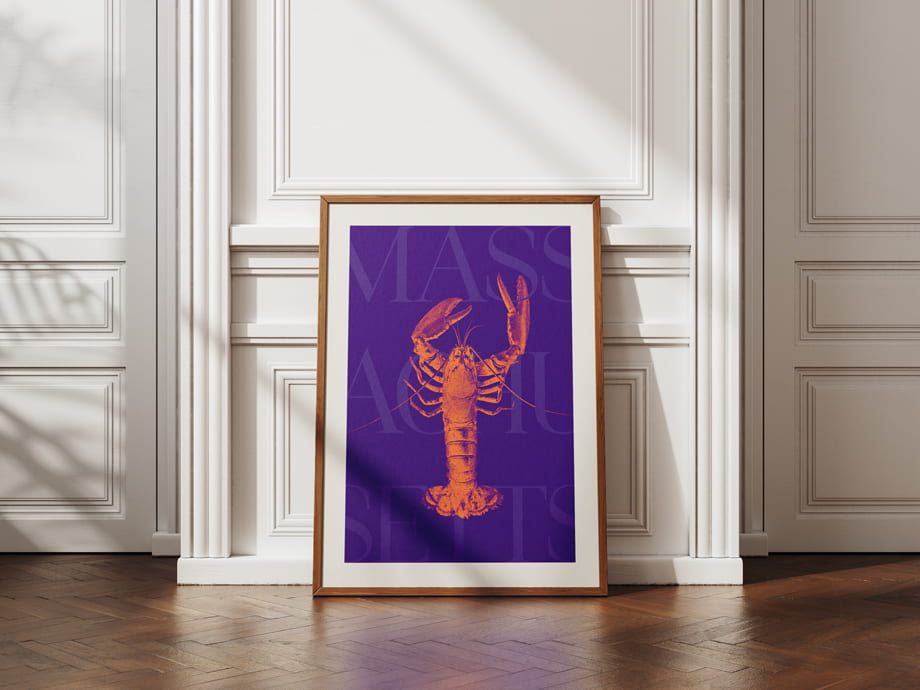
This Massachusetts poster originally began as a design exercise from the Skillshare class Create Minimalist Digital Collages from Vintage Graphics in Adobe Photoshop by Evgeniya & Dominic Righini-Brand. It was one of those classes that makes you want to open Photoshop immediately and start experimenting — oversized type, vintage imagery, texture, layering and color combinations we might not normally reach for.
And then it sat quietly on my computer.
I recently came across it again while doing a little housekeeping and thought: this one should be on a wall somewhere.
So I’m sharing it with you as a free high-resolution printable.
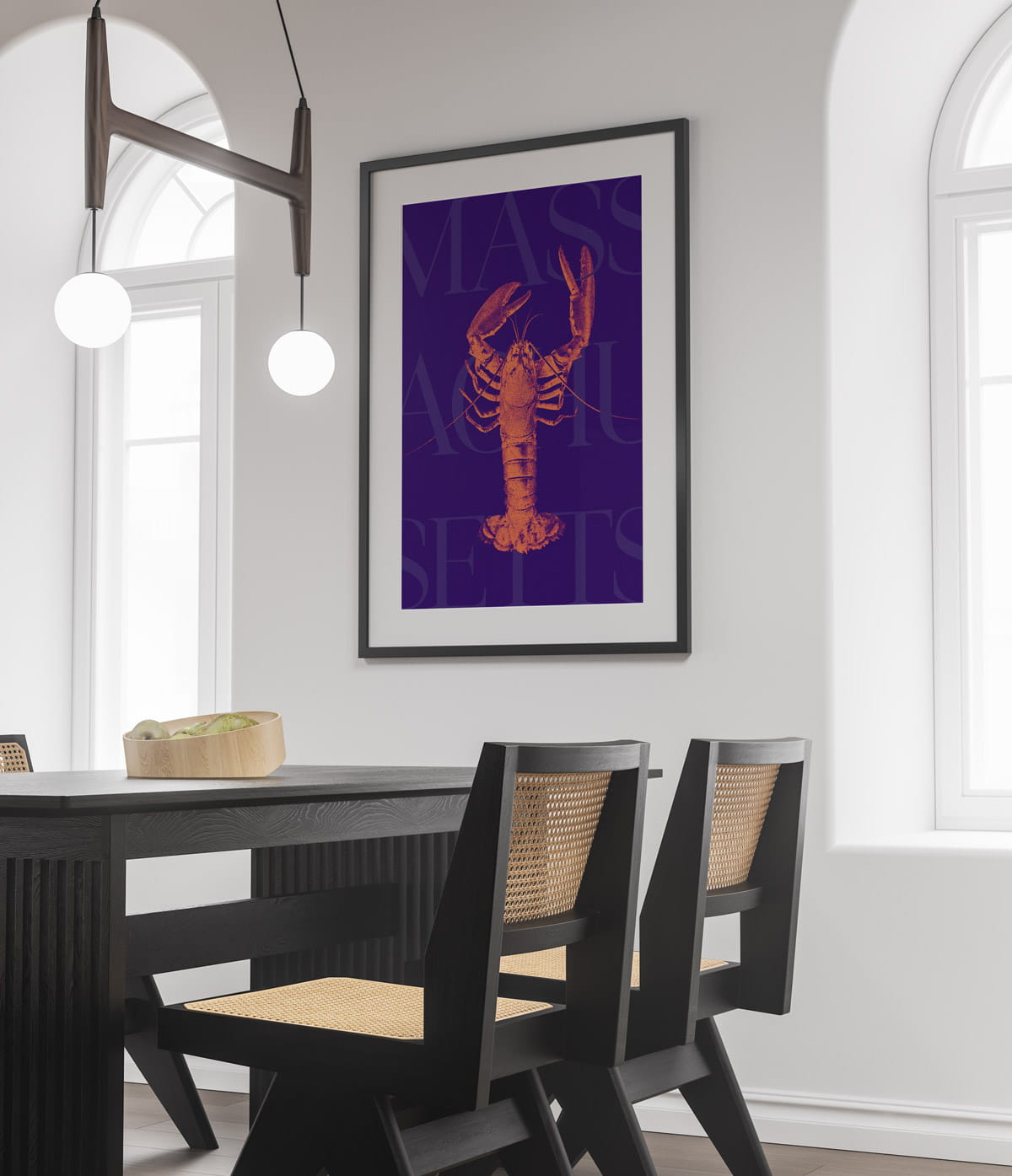
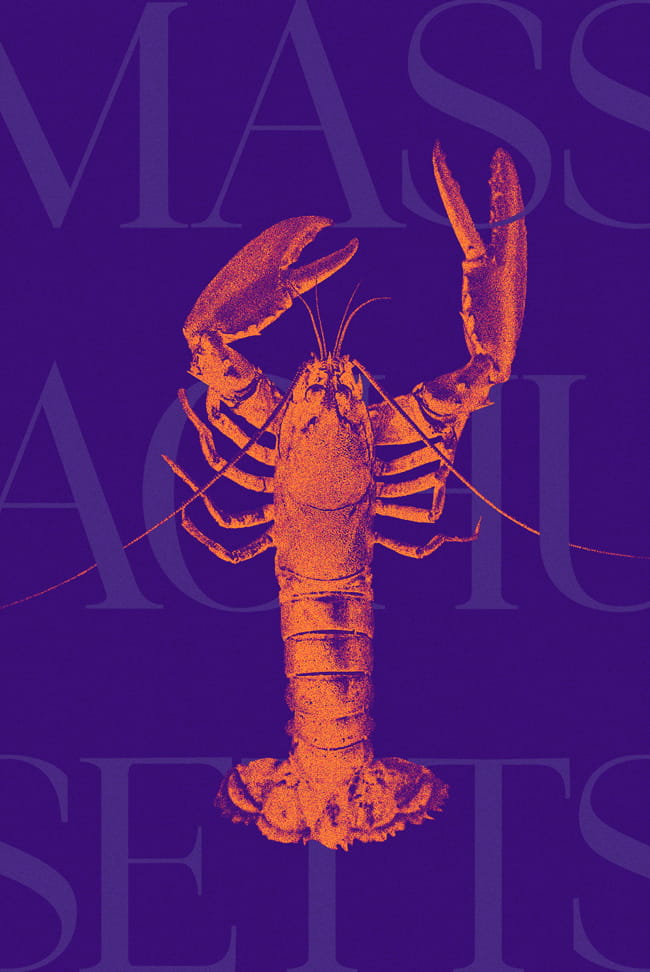
A little New England,
with a twist.
Instead of the traditional red, white and nautical blue you might expect from Massachusetts-inspired artwork, this poster takes a slightly less predictable direction.
Deep violet. Electric orange. Oversized typography. And, naturally, a lobster taking center stage.
The result feels somewhere between a vintage travel poster and contemporary editorial artwork — graphic enough to make a statement, but simple enough to work in an office, kitchen, entryway or gallery wall.
A few printing tips.
For a more polished result, we’d choose a matte or lightly textured heavyweight paper rather than a glossy photo finish. The artwork already has plenty of texture and contrast, so a matte surface lets the design do the work.
If your printer gives you an option to automatically crop or “fill” the image, turn that setting off. The file has already been prepared in the correct 2:3 proportions.
And because screens and printers reproduce color differently, a little variation in the violet and orange tones is completely normal.
A few printing tips.
For a more polished result, we’d choose a matte or lightly textured heavyweight paper rather than a glossy photo finish. The artwork already has plenty of texture and contrast, so a matte surface lets the design do the work.
If your printer gives you an option to automatically crop or “fill” the image, turn that setting off. The file has already been prepared in the correct 2:3 proportions.
And because screens and printers reproduce color differently, a little variation in the violet and orange tones is completely normal.
From the studio
archive.
We spend most of our time creating websites, identities and print pieces for clients, but sometimes the smaller experiments are the ones that remind us why we started designing in the first place.
So rather than leave this one hidden, we’re sharing it here.